


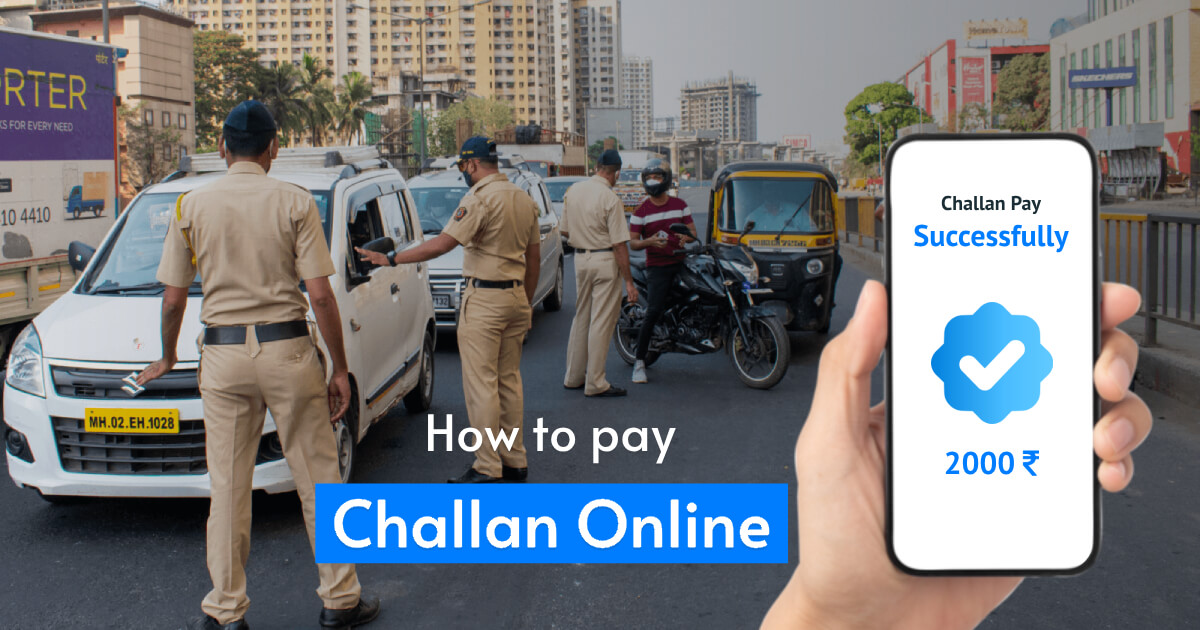
NEW DELHI, November 9, 2026 — To check an e-challan online in India, motorists can use the Ministry of Road Transport and Highways’ eChallan service to look up many digitally issued traffic and transport notices. The portal allows a vehicle owner or driver to look up a pending notice using details such as a challan number, vehicle registration number or driving licence number, review the recorded offence and make an online payment where the service is available. The process is designed to make enforcement records easier to access, but users should verify every detail before paying and should use only the official government portal.
An electronic challan is a digital record of an alleged traffic or transport violation. It may be generated after an enforcement officer records an offence or after a camera-based system captures a violation, depending on the state and the enforcement arrangement. The record can include the vehicle or driving licence details, date and time, location, offence description, applicable provision and amount. A message received by SMS is not, by itself, a reason to click a payment link. The safer approach is to open the official eChallan service independently and search for the notice.
e-Challan Online India: How to Check a Challan
Start by identifying the official Ministry of Road Transport and Highways eChallan portal. The government service carries a warning about fraudulent websites and mobile applications that imitate the real system. Do not rely on a search advertisement, a shortened link in a text message or a website that asks for an OTP before showing basic challan details. Enter the portal through the government transport service and confirm that the address belongs to the official Parivahan or eChallan system.
Choose the option to check a challan or view pending challan details. Depending on the portal version and the state service being used, the search can be made with a challan number, a vehicle registration number or a driving licence number. Enter the requested information exactly as it appears on the registration certificate or licence. The system may also ask for a captcha or an additional verification step. If a vehicle number is entered with the wrong letters, spacing or state code, the search may return no result even when a notice exists.
After the record appears, review the vehicle or licence identifier, challan date, time, location, issuing department and offence description. Check whether the notice refers to the correct vehicle and whether the recorded violation is one that could have occurred at that place and time. If the portal provides an image or other evidence, inspect it. A camera image may show the registration plate, but the owner should still check whether the vehicle was being driven by someone else and whether the details match the notice.
Do not assume that every notice displayed against a registration number is automatically correct. A plate can be read incorrectly, a vehicle can be cloned, or a record can contain a data-entry error. If the offence details do not match the vehicle or the event, save the challan number and the available evidence before raising a grievance. Paying first and trying to reverse the payment later can make the process more complicated.
How to pay the e-challan
If the details are correct and the notice is payable online, select the payment option shown on the official portal. The available payment methods can vary by the service and the state. Follow the government payment gateway and check that the amount and challan number are correct before authorising the transaction. Do not transfer money to a personal bank account or scan a QR code sent by an unknown person claiming to be a traffic officer.
Once payment is completed, save the receipt or acknowledgement. Note the transaction reference, date and amount. The portal provides options to check a payment status and, where supported, download a receipt for a successfully paid challan. A receipt is important if the status does not update immediately or if a later notice suggests that the amount remains outstanding.
Payment status can sometimes be delayed by a bank response, a gateway interruption or a communication failure between systems. If money has been debited but the challan still appears pending, do not immediately make a second payment. Use the portal’s pending-transaction or payment-verification facility and enter the challan or transaction details requested. Keep the bank debit message and transaction ID. If the status remains unresolved, contact the eChallan helpdesk or the relevant state traffic authority through the official contact information.
The Ministry’s portal lists a technical helpdesk for eChallan issues. The published contact details include an email address at the government domain and a telephone helpline. Users should confirm the latest contact information on the official portal before making a call. A genuine helpdesk should not ask for a banking password, card PIN or the OTP used to authorise a payment.
What if the challan has been sent to a virtual court?
Some challans are forwarded to a virtual court or another court-linked process. The eChallan service explains that a notice forwarded to the Virtual Court may still be payable through the transport portal, but a user must not pay twice. If payment is made on the eChallan portal, do not repeat it on the Virtual Court service. If the amount has already been paid through the court system, do not make a second payment through eChallan. Check the status and follow the instructions for the route where the payment was completed.
A challan that has reached a court-linked process may require the user to follow the available court procedure rather than treat it as a routine pending payment. The notice may show a court reference or a status that differs from an ordinary challan. Read the instructions carefully and do not ignore a summons or court notice because the original message arrived electronically. If the matter involves a disputed offence or a legal hearing, the person should consider obtaining advice from a qualified legal professional.
The exact process can differ by state and by the type of offence. The central portal itself lists separate services for some state traffic police departments, and its notice board directs users to a different portal for certain state codes. Delhi traffic challans, for example, may have a separate grievance route. A driver should follow the service specified for the issuing state rather than assume that every state uses the same payment and complaint workflow.
How to dispute an incorrect challan
If the vehicle details, offence, time or location appear wrong, use the grievance or complaint facility identified by the official portal. Keep a copy of the challan, registration certificate, driving licence if relevant, and any supporting evidence such as a location record, toll receipt, parking receipt or photograph. State clearly which part of the notice is disputed. A concise explanation supported by documents is more useful than a general statement that the challan is unfair.
Some complaints are handled through the central eChallan grievance facility, while others are directed to the state traffic police portal. The central service identifies a separate route for Delhi Traffic Police and a NextGen eChallan grievance facility for a number of other state codes. The correct authority is usually the department shown on the challan. If the record was issued by a state transport department rather than traffic police, the grievance should be directed accordingly.
Submitting a grievance does not automatically cancel a challan. The issuing authority may review the evidence, request additional information or reject the complaint. Keep the acknowledgement number and check the status. If the matter is transferred to a court, follow the court’s directions. Do not assume that an online complaint suspends every deadline or legal obligation unless the authority explicitly confirms it.
How to avoid e-challan scams
Fraudsters often use urgent language to persuade motorists to pay quickly. A message may claim that a licence will be suspended within hours or that a vehicle will be seized unless the recipient opens a link. The official eChallan portal warns that it does not ask users for passwords, OTPs, payment details or sensitive personal information through calls, emails or messages. Treat any request for such information as a warning sign.
Check the domain before entering information. Government transport services use official government domains, including the Parivahan and NIC infrastructure. A website that adds words such as “gov”, “challan” or “traffic” to a commercial domain is not automatically an official service. Do not install an application sent through a messaging link. If a message includes a QR code or a payment link, search for the challan independently through the official portal instead of opening it.
Never share the OTP used to approve a bank or UPI transaction with someone claiming to be a traffic officer. An OTP can authorise a payment or account action; it is not a routine requirement for a caller to verify a challan. If a person asks for remote access to a phone or computer, end the call. If money has been lost, contact the bank immediately and report the incident through the national cybercrime reporting system or the police.
It is also useful to keep the vehicle registration and driving licence details current. An outdated mobile number can mean that a legitimate electronic notice is not seen promptly. The owner should update contact details through the relevant transport service and ensure that the vehicle’s records are accurate. A buyer of a second-hand vehicle should check pending challans before completing the transfer so that unresolved notices do not create avoidable disputes later.
The eChallan system is intended to improve access to enforcement records and make payment more transparent. It does not remove the need to check the notice carefully. The amount, offence and issuing authority should be verified before payment, and the receipt should be retained. A failed or pending transaction should be checked through the official verification facility rather than paid again without confirmation.
Drivers should also remember that the amount and process can vary according to the offence, the applicable law and the state. This guide explains the digital process, not the legal penalty for every violation. For a disputed or court-referred notice, the user should follow the instructions on the challan and seek legal advice where necessary. A careful check through the official service is the best way to avoid paying a false notice or missing a genuine one.
Also read: Delhi Plans to Restrict Entry of Outside Non-BS-VI Vehicles From November 1
Also read: Delhi’s Winter Pollution Curbs Take Effect on November 1: Vehicle Ban, WFH, and Construction Rules
Frequently asked questions
Can I check an e-challan using my vehicle number?
Yes. The official service supports searches using a vehicle registration number, challan number or driving licence number, depending on the portal and state service.
What should I do if money is deducted but the challan remains pending?
Use the official payment-verification or pending-transaction facility with the transaction reference. Do not pay again until the first transaction has been checked.
Can I dispute a wrong e-challan online?
Yes. Use the grievance route specified for the issuing state or department and attach the challan details and supporting evidence. Filing a complaint does not automatically cancel the notice.
Should I pay a challan again if it is forwarded to Virtual Court?
No. The official portal warns users not to pay both through eChallan and Virtual Court. Complete payment through one route only and retain the receipt.





Comments (0)
Be the first to comment. Comments are published after moderation.